
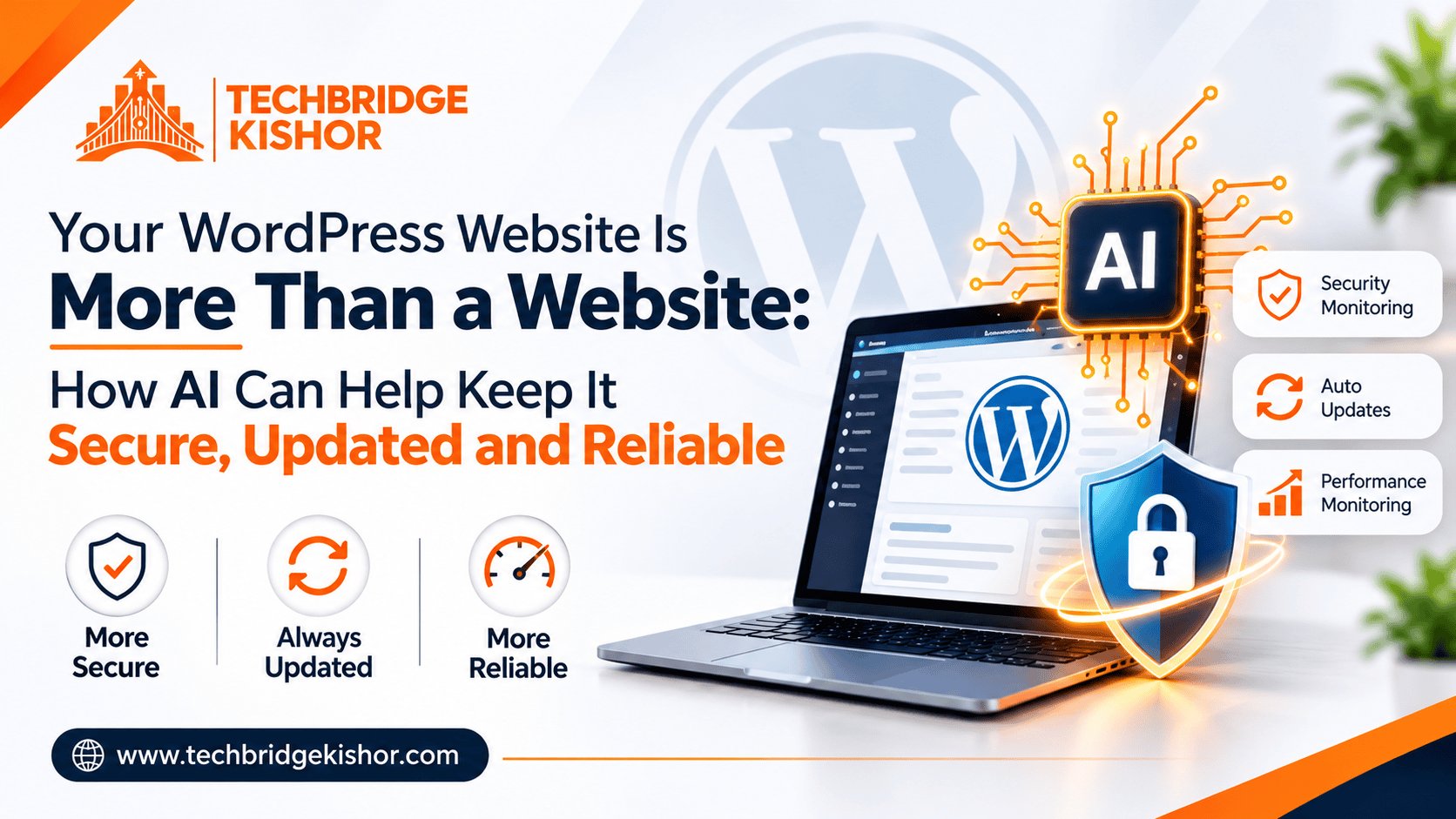
Most businesses don’t think much about website maintenance when everything is working fine.
The website is live. Enquiries are coming in. Customers can find what they need.
So, why worry?
The problem is that some website issues remain invisible until something breaks. A plugin update creates a conflict, a contact form stops working, or an outdated component introduces a security risk.
And by the time someone notices, it may already be affecting the business.
This is where I think AI can make a real difference not by replacing developers, but by helping businesses manage their websites more proactively.
Where can AI actually help?
WordPress maintenance isn’t just about clicking the update button. It’s about understanding what needs attention, what could go wrong, and how to keep everything working smoothly.
Here are three practical ways AI can help.
1. Spot potential problems earlier
AI-assisted tools can help review website health reports, identify outdated software, analyze error logs, and highlight issues that deserve attention.
Instead of waiting for a problem to affect customers, businesses can build a more proactive maintenance routine.
Of course, AI can’t guarantee that every issue will be detected. Findings still need to be verified.
2. Make updates less stressful
We’ve all seen how a small website change can sometimes create an unexpected problem.
A plugin update might affect a page layout. A theme update could interfere with existing functionality.
AI can help assess compatibility concerns, explain errors, and prepare a checklist before changes are made.
With proper backups, testing, and human oversight, updates become a more controlled process—not a matter of hoping everything works afterward.
3. Focus on what matters to the business
A website can appear perfectly fine while an important contact form fails or a customer encounters an issue during checkout.
That’s why maintenance shouldn’t stop at checking software versions.
AI-assisted monitoring and testing can help teams review important website functions, identify potential problems, and prioritize fixes based on their business impact.
Because ultimately, a website isn’t just a collection of pages. It’s often part of how a business attracts customers, generates enquiries, and makes sales.
But should we automate everything?
Honestly, no.
AI is useful, but it can make mistakes. It may overlook an issue, misunderstand a warning, or suggest a fix that isn’t appropriate for a particular website.
Security-sensitive changes and updates to live websites still need the right safeguards, technical judgment, and verification.
The goal isn’t to let AI take control of your website.
It’s to help people make better decisions, reduce repetitive work, and respond to problems more efficiently.
My take as a founder
At Techbridge Kishor, I believe technology decisions should start with a business problem—not with a tool that’s currently trending.
For one business, the priority might be improving website security. For another, it could be reducing maintenance effort or making sure its eCommerce checkout works reliably.
AI may be part of the solution, but it isn’t always the starting point.
I’d rather understand what’s putting a business at risk, identify what needs improvement, and then decide where AI or automation can genuinely help.
Because the real value of technology isn’t how much we automate. It’s how much better we help a business operate.
How are you approaching WordPress maintenance today mostly when something breaks, or as part of a proactive process?
I’d be interested to hear what’s working for other business owners and web professionals.